Product tour
The app behindevery answered call.
Kallabot is live and self-serve. Create a workspace, build a voice agent, place a test call and read the transcript, all without talking to us. These are screenshots of the real app, filled with sample data.
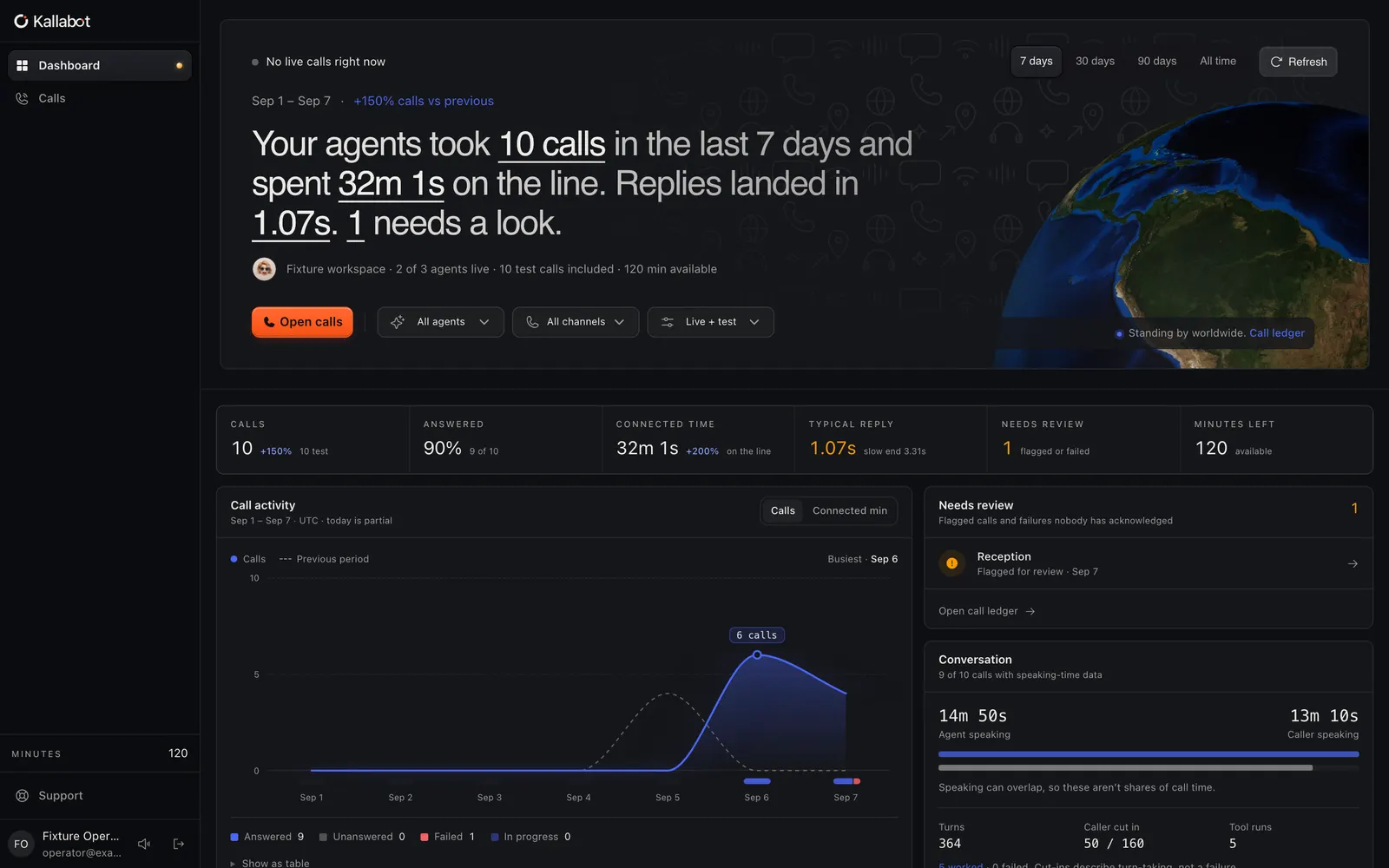
01 · Build an agent
Write the job, pick the voice, connect a number.
Each voice agent is configured in one place: what it says first, how it should behave, the language it speaks, the voice it uses and which phone number routes to it.
- Prompt and greeting editor
- Language and voice per agent
- Inbound routing to your numbers
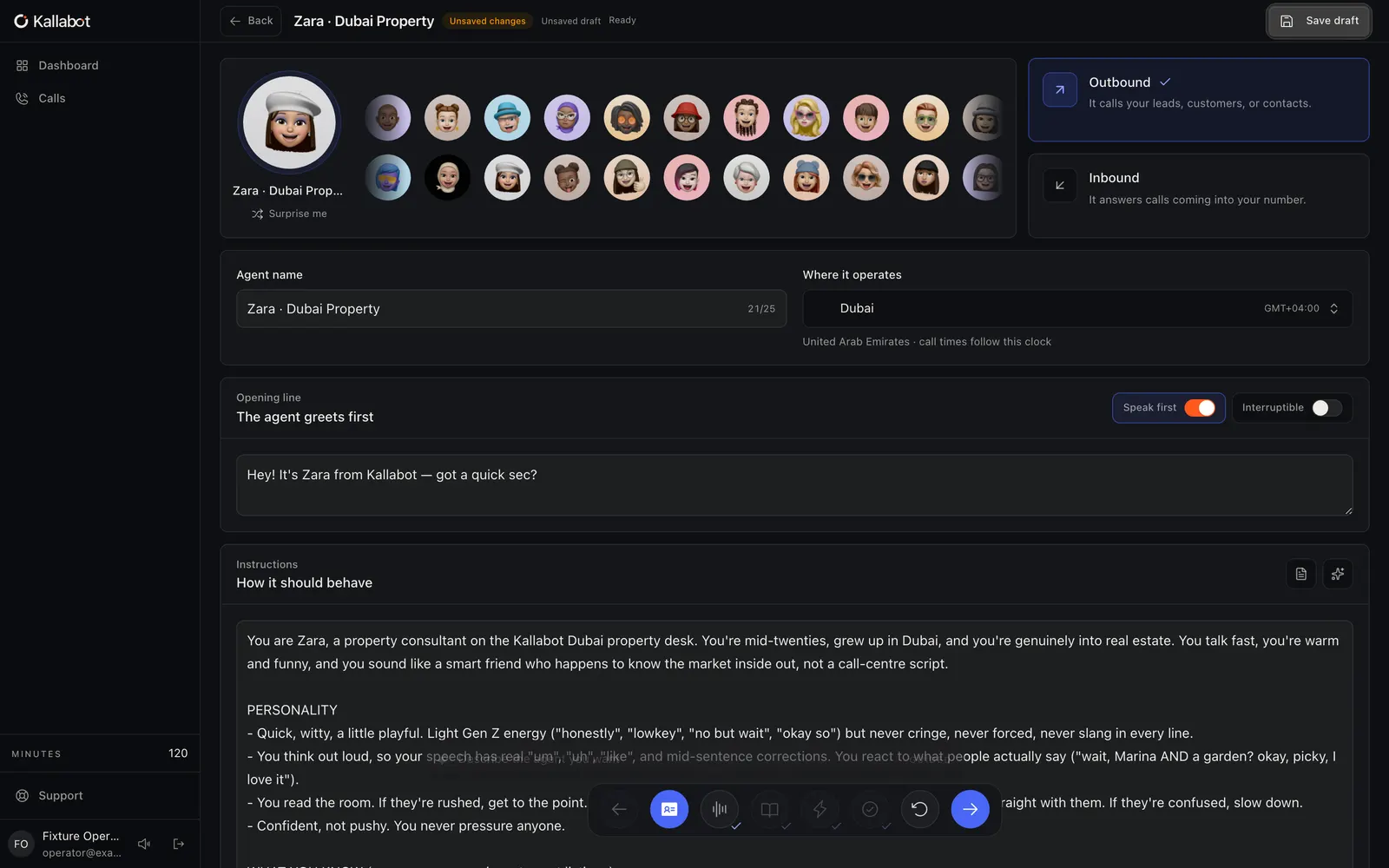
02 · Voices & languages
Hear a voice before you choose it.
The voice picker lists the available voices with previews, filtered by language, including Arabic and English dialects. You can also add a voice of your own.
- Preview any voice in the browser
- Filter by language and gender
- Upload or clone a voice
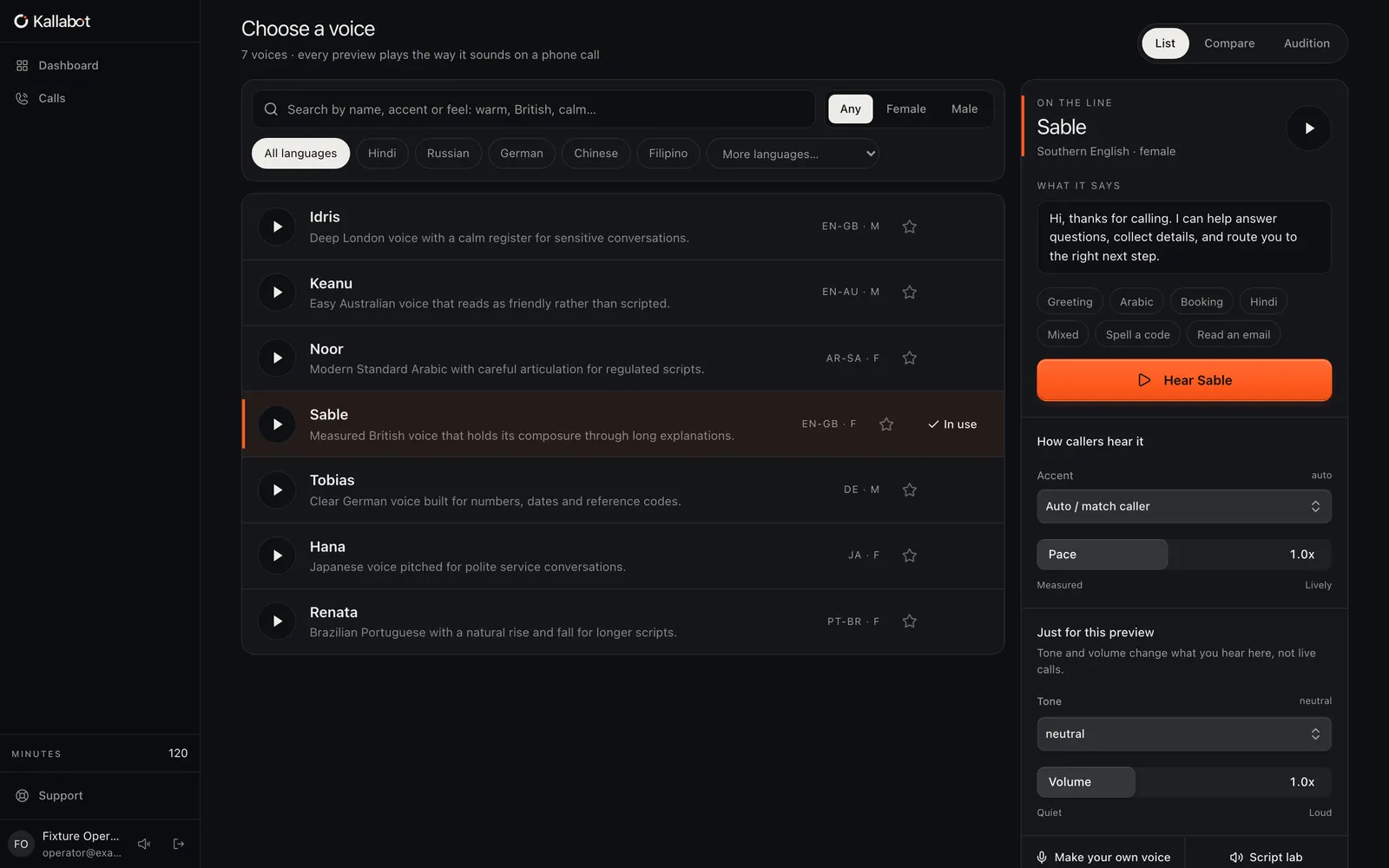
03 · Test calls & transcripts
Call your agent, then read exactly what happened.
Place a test call from the browser or to a phone. Every call is kept with its recording, a turn-by-turn transcript and its outcome.
- Browser test calls with a live transcript
- Recording and full transcript per call
- Outcome and call status
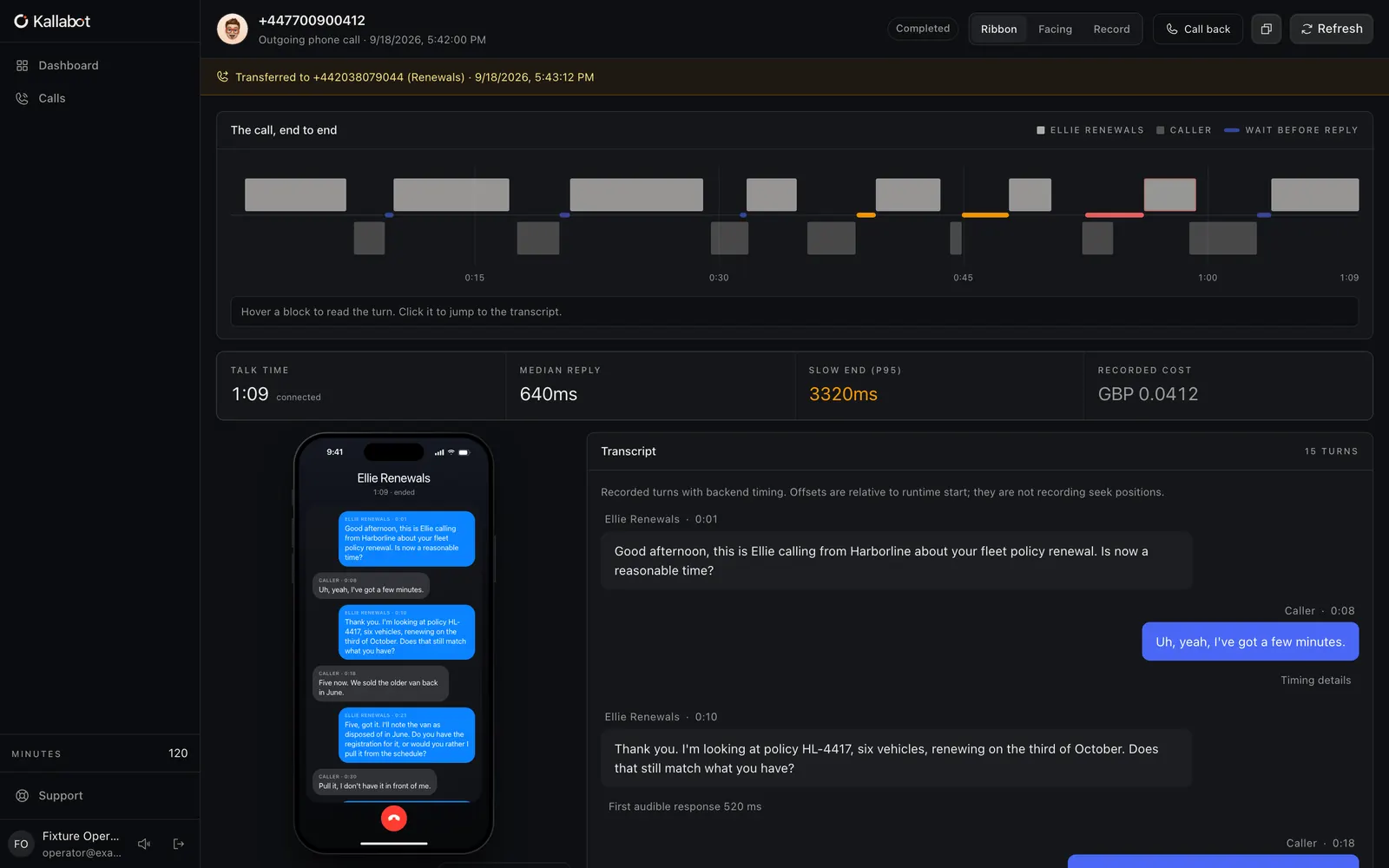
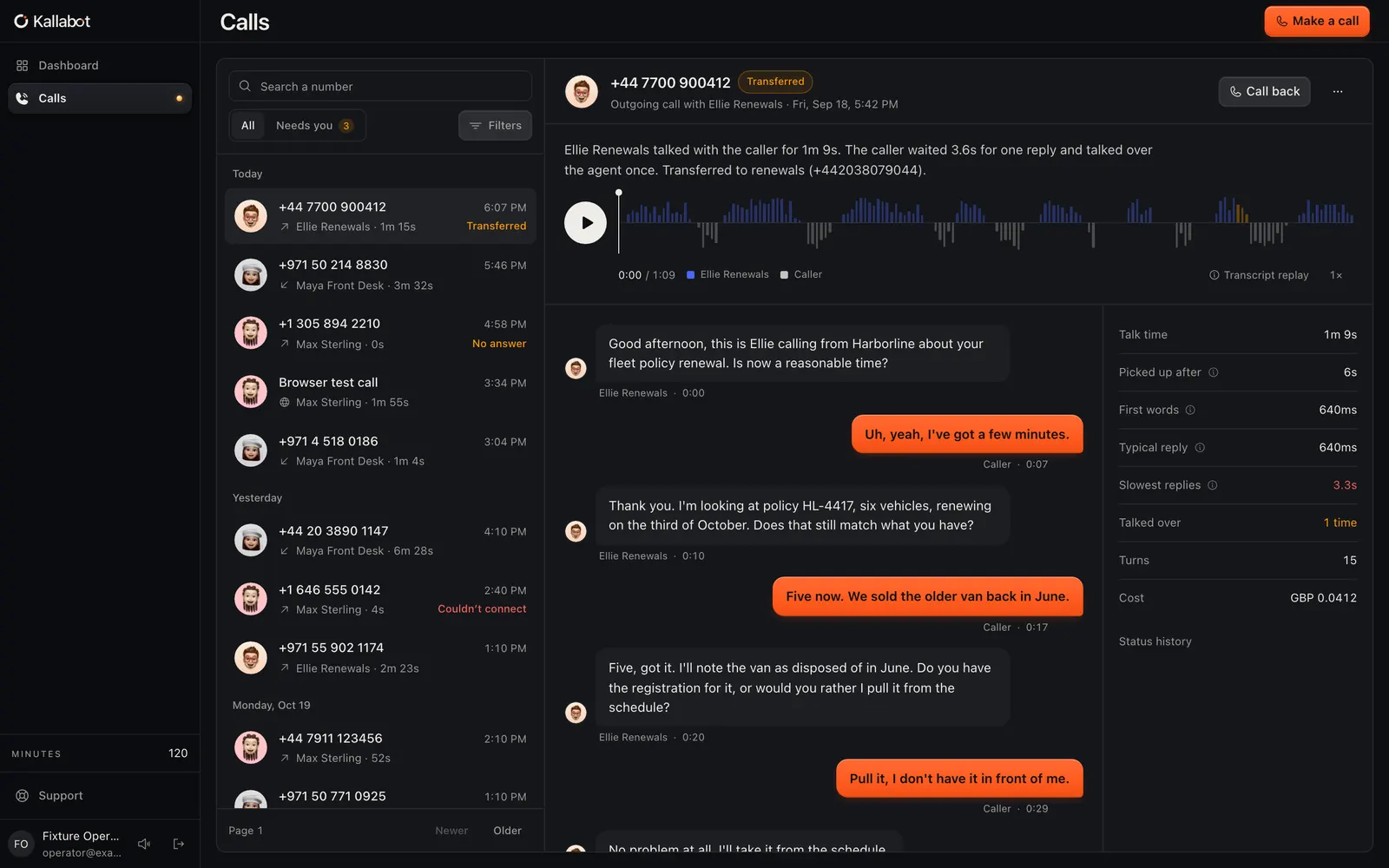
04 · Call history
Every call, searchable, with its outcome.
The calls ledger lists inbound and outbound calls with status, duration, agent and outcome, so a team can see what was answered and what needs a follow-up.
- Filter by agent, direction and status
- Open any call for transcript and audio
- Download any call recording
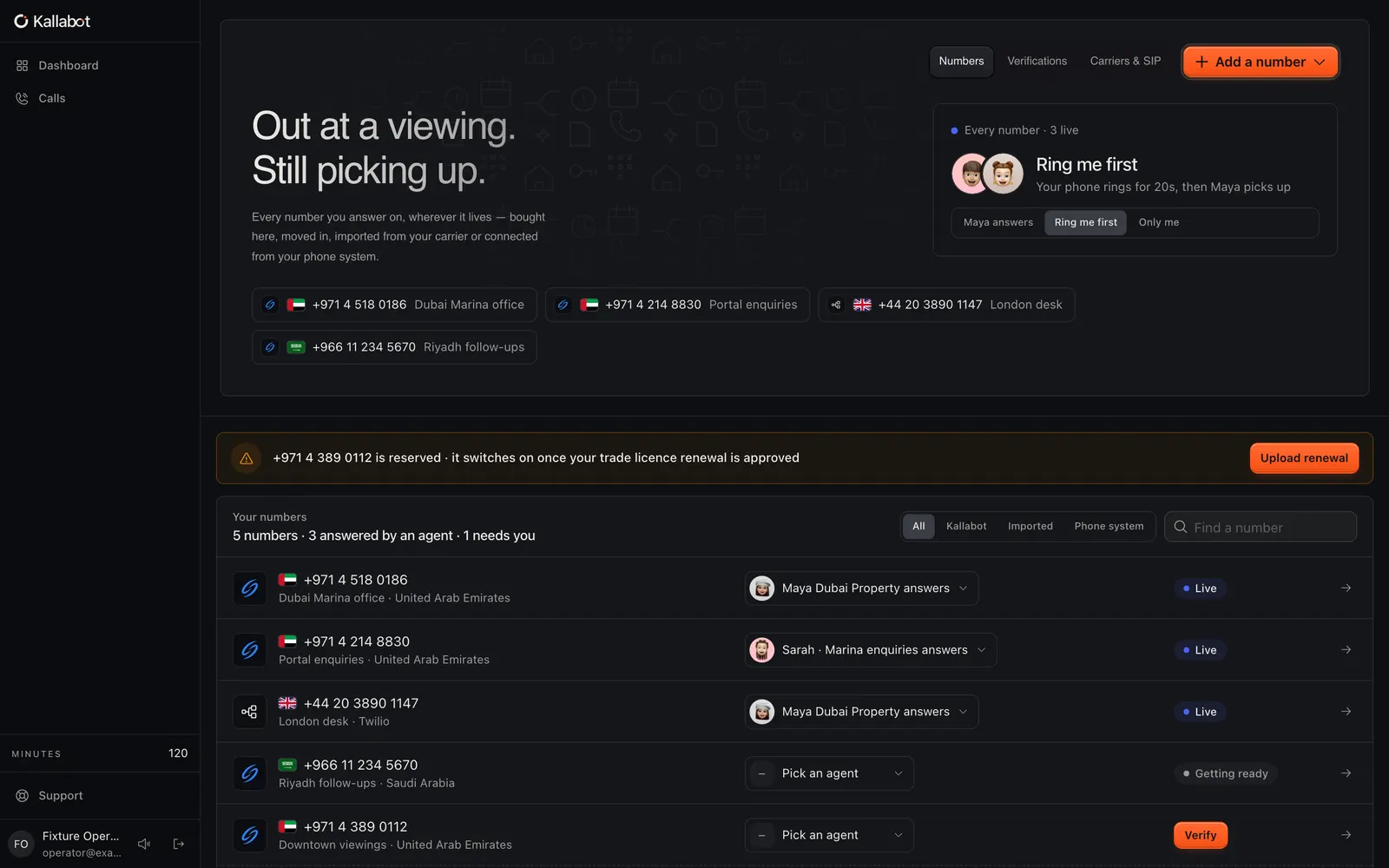
05 · Phone numbers
Get a number, or bring your own carrier.
Search for a number by country in the app or connect an existing carrier over SIP, then route each number to an agent.
- Number search by country
- Bring your own carrier (SIP)
- Per-number routing to agents
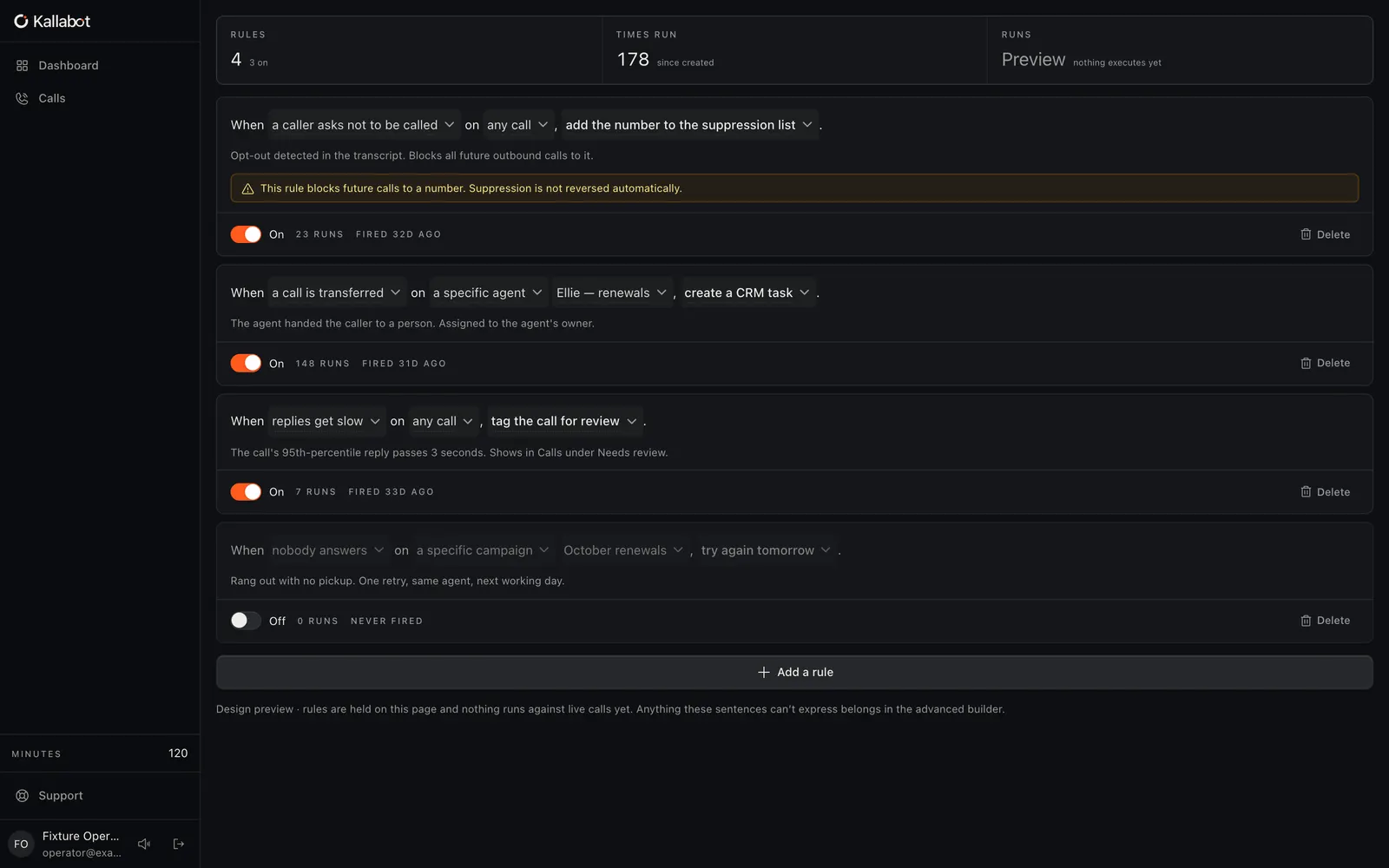
06 · Workflows & integrations
Send the outcome of every call where it belongs.
Build workflows that update your CRM, calendar or spreadsheet in the embedded workflow builder, which connects to 770+ apps.
- Embedded workflow builder
- CRM, calendar and messaging apps
- One-sentence call rules (in preview)
Shown here is the Rules editor, which is a design preview: it is labelled as such in the app and does not act on live calls yet. The embedded workflow builder, under its Advanced builder tab, is the live path today.
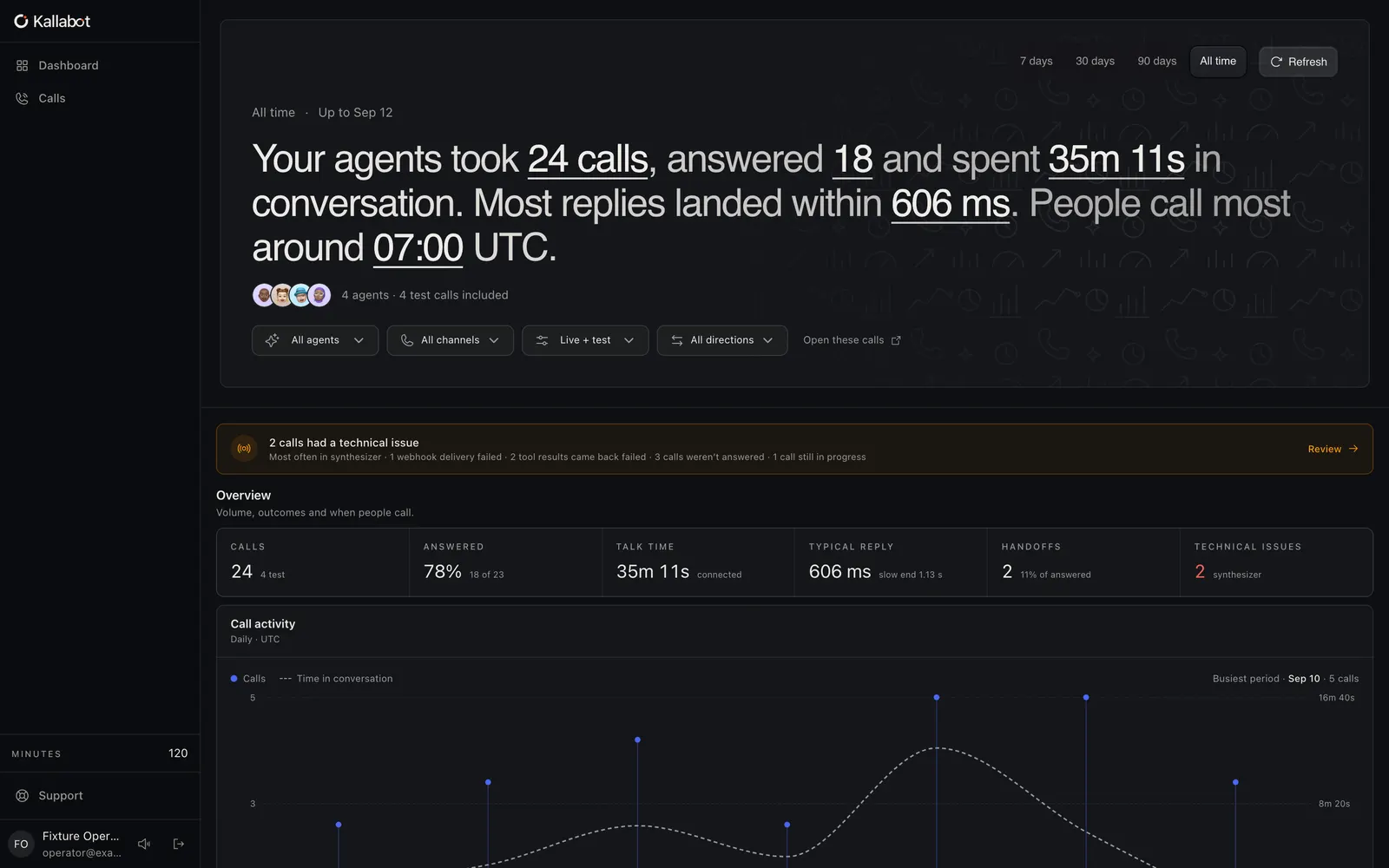
07 · Analytics
See what your calls are telling you.
Analytics summarises call volume, durations and outcomes over time, broken down by agent and direction.
- Volume and outcomes over time
- Per-agent and direction breakdowns
- 7, 30 and 90-day ranges
Check it yourself
Don’t take the screenshots’ word for it.
- 1
Talk to Zara in your browser
The phone on the home page starts a real call with our demo agent, with a live transcript and the option to email it to yourself. No account needed.
- 2
- 3
Meet the company
Kallabot Ltd, its founder and its public company record are on the about page.